

Missing texts from unknown numbers? iOS 26 filters them into hidden lists. Here’s where to find them in the Messages app—and how to mark senders as known so you don’t miss important messages. PS: The same applies to calls in the Phone app.
Missing texts from unknown numbers? iOS 26 filters them into hidden lists. Here’s where to find them in the Messages app—and how to mark senders as known so you don’t miss important messages. PS: The same applies to calls in the Phone app.
Drowning in open tabs and can’t find the one playing sound? Look for the speaker icon on the tab itself, or use Safari’s address bar icon or Chrome’s music note for quick control.
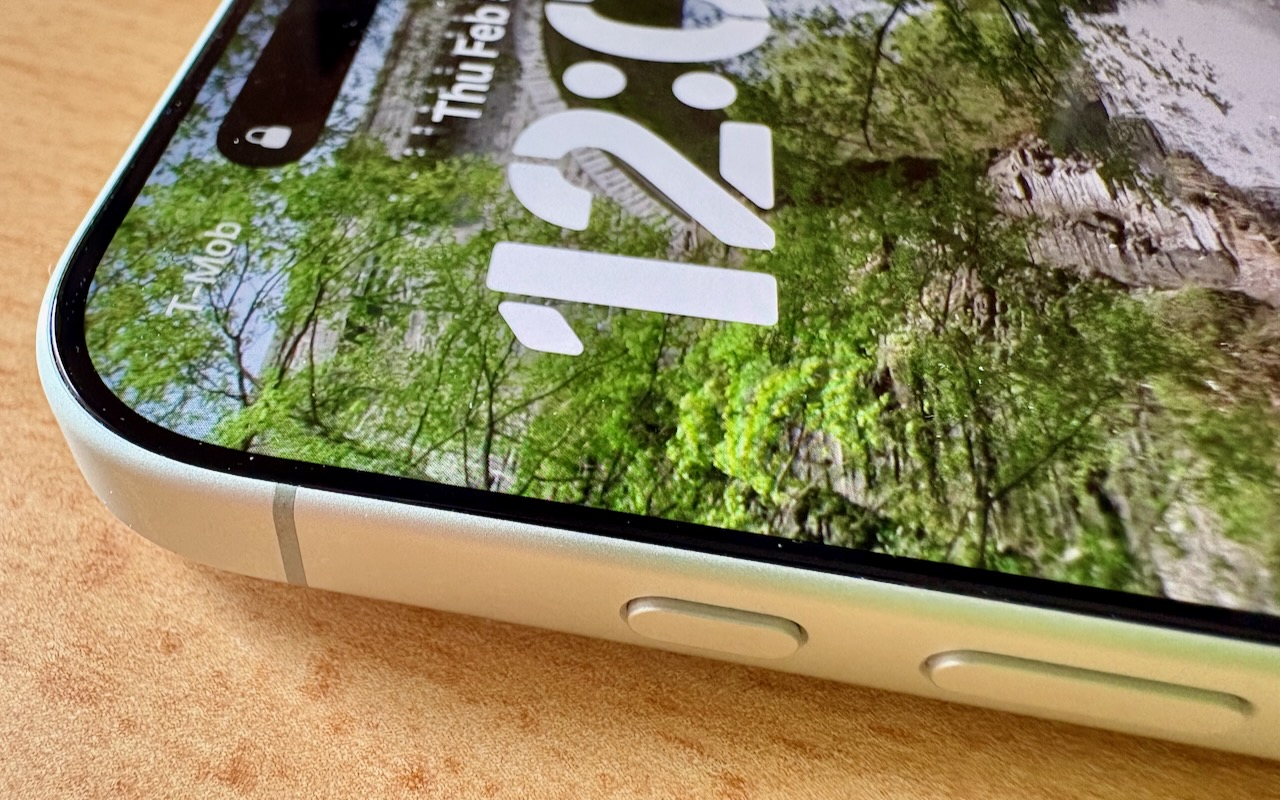
Your iPhone’s Action button can do much more than toggle Silent Mode. Try it for quick translations or voice memos—or explore the many options in Controls and Shortcuts to trigger nearly any action with a long press.
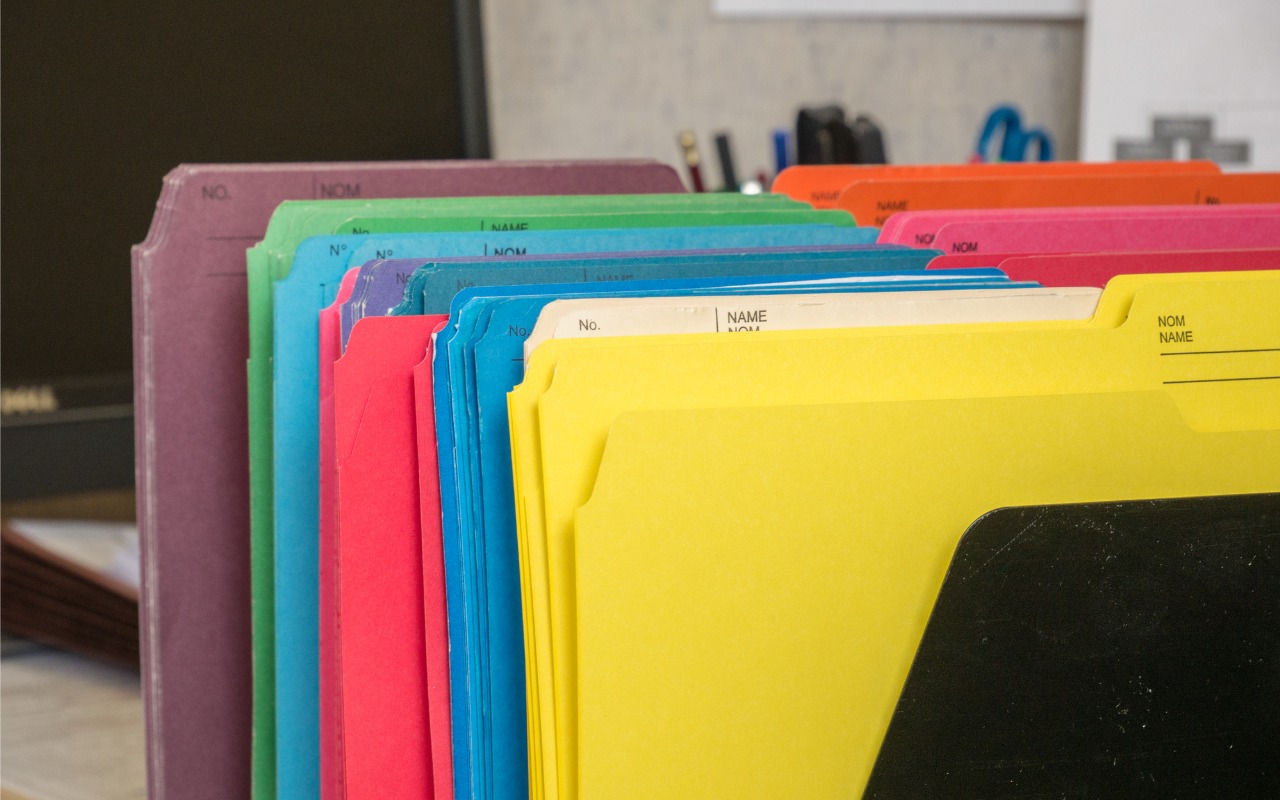
Tired of identical blue folders? macOS 26 Tahoe lets you add colors and icons—including emoji—to folders with a few clicks. Here’s how to make your Finder easier to navigate.
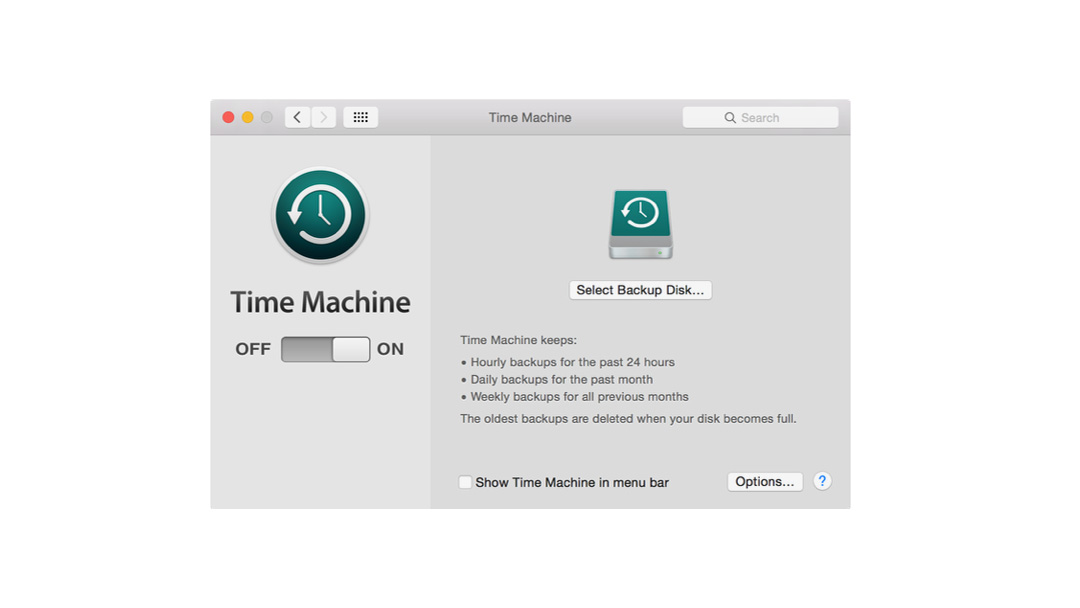
We’d like to suggest a few simple digital safety habits that help protect your devices, your data, and your peace of mind.

When you Option-click from one app (say, Word or Safari) to another (like Mail), the original app instantly hides itself.
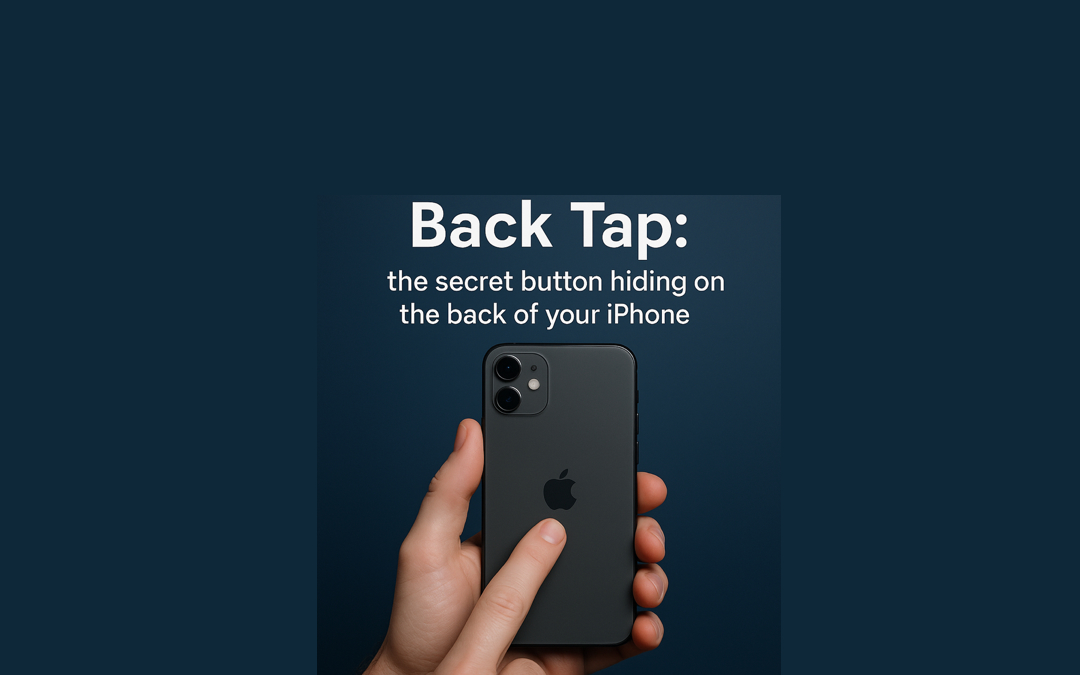
If you ever wished your iPhone had one more button, surprise. It has Back Tap and Apple hid it on the back like a secret club entrance.
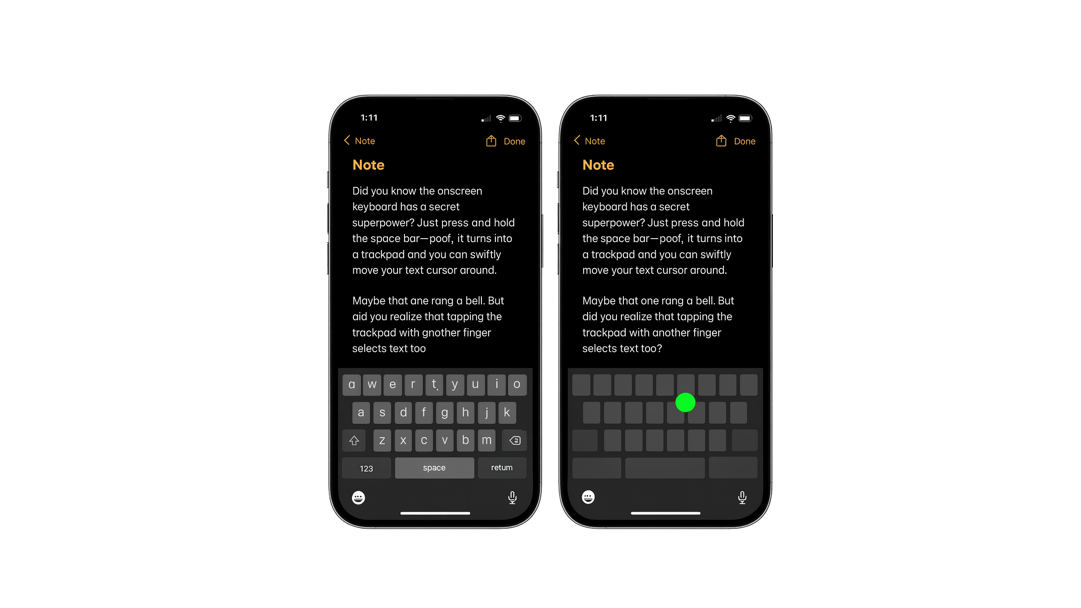
Did you know your iPhone’s keyboard has a secret trick? If you press and hold the space bar, the whole keyboard turns into a little trackpad. It’s like magic suddenly…
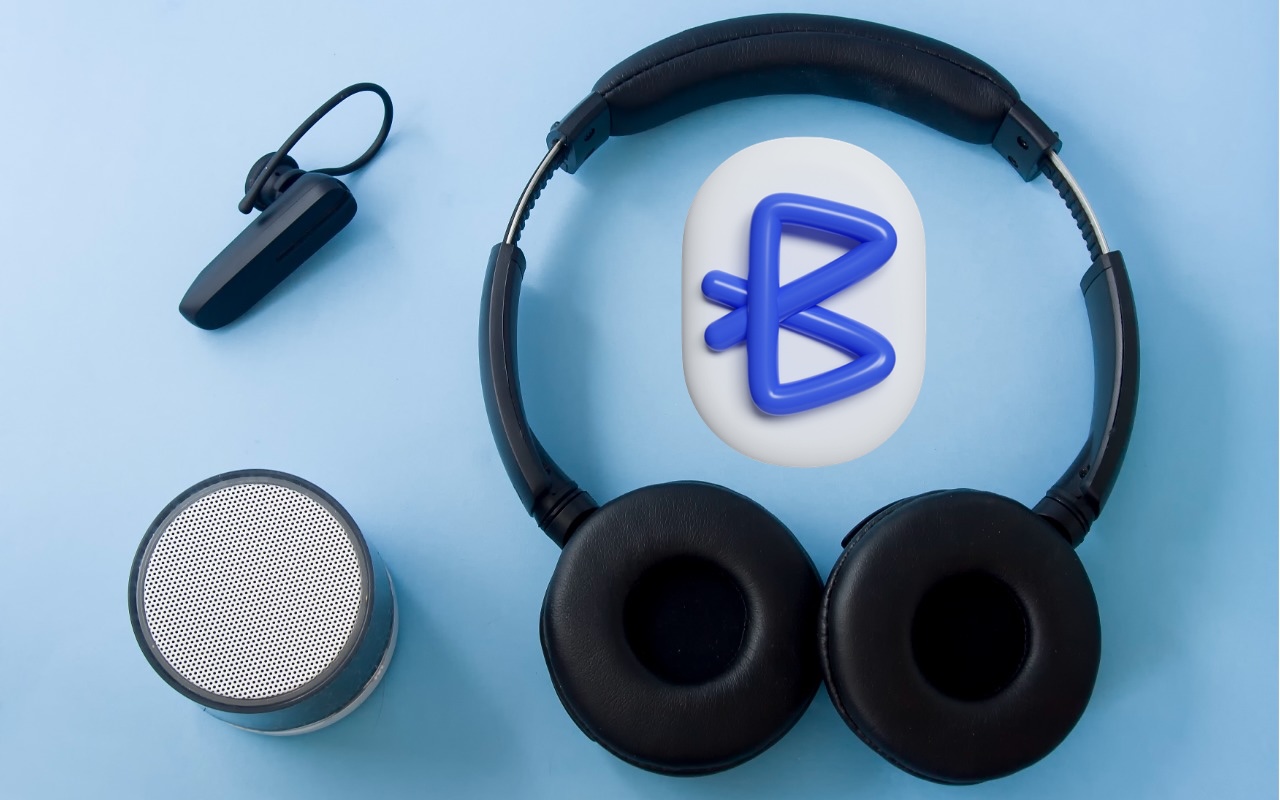
You don’t have to put up with your iPhone’s list of Bluetooth devices being cluttered with confusing factory default names. Most Bluetooth devices can be renamed, allowing you to, for example, change the name from “MY-CAR” to “Nissan Leaf.”
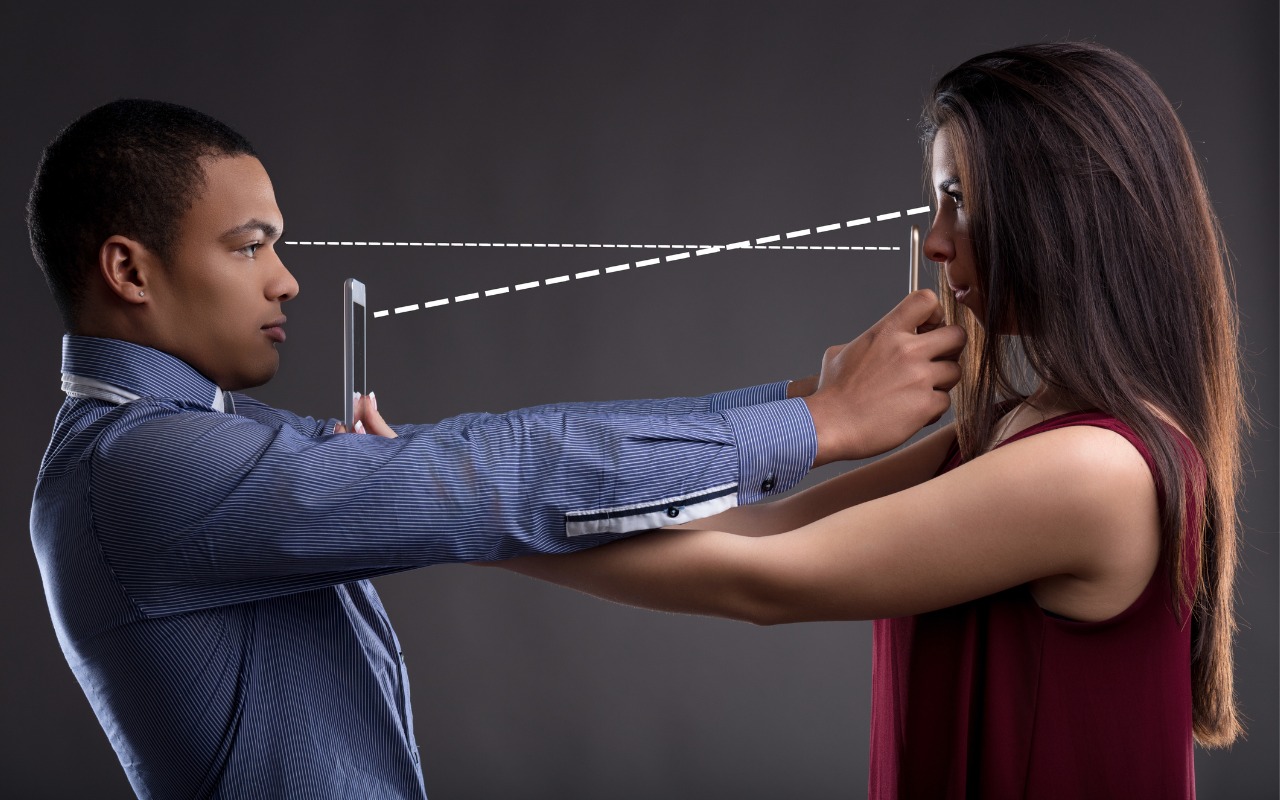
Make accessing your iPhone, iPad, and Mac easier for trusted family members by setting them up so they can use Touch ID or Face ID.

info@go2g2.com
215-321-6542
1116 Taylorsville Road
Washington Crossing, PA 18977
Get tips, news, information, and early notice of incredible sales.

© 2026 G2 Computers. All rights reserved.