
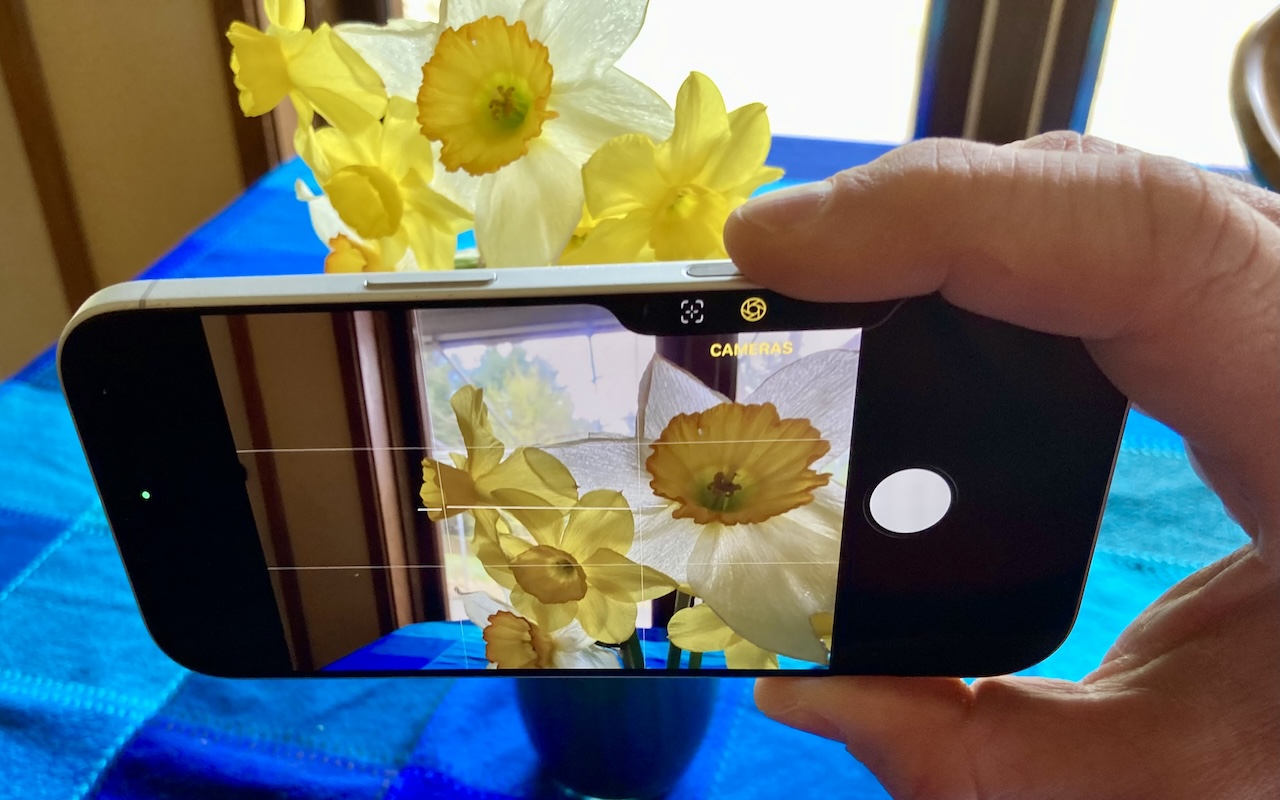
The Camera Control on the iPhone 16 and later is more than a shutter button—it’s a touch-sensitive shortcut to zoom, exposure, depth, and more. Here’s how to configure it so it works for you or doesn’t get in your way.
The Camera Control on the iPhone 16 and later is more than a shutter button—it’s a touch-sensitive shortcut to zoom, exposure, depth, and more. Here’s how to configure it so it works for you or doesn’t get in your way.
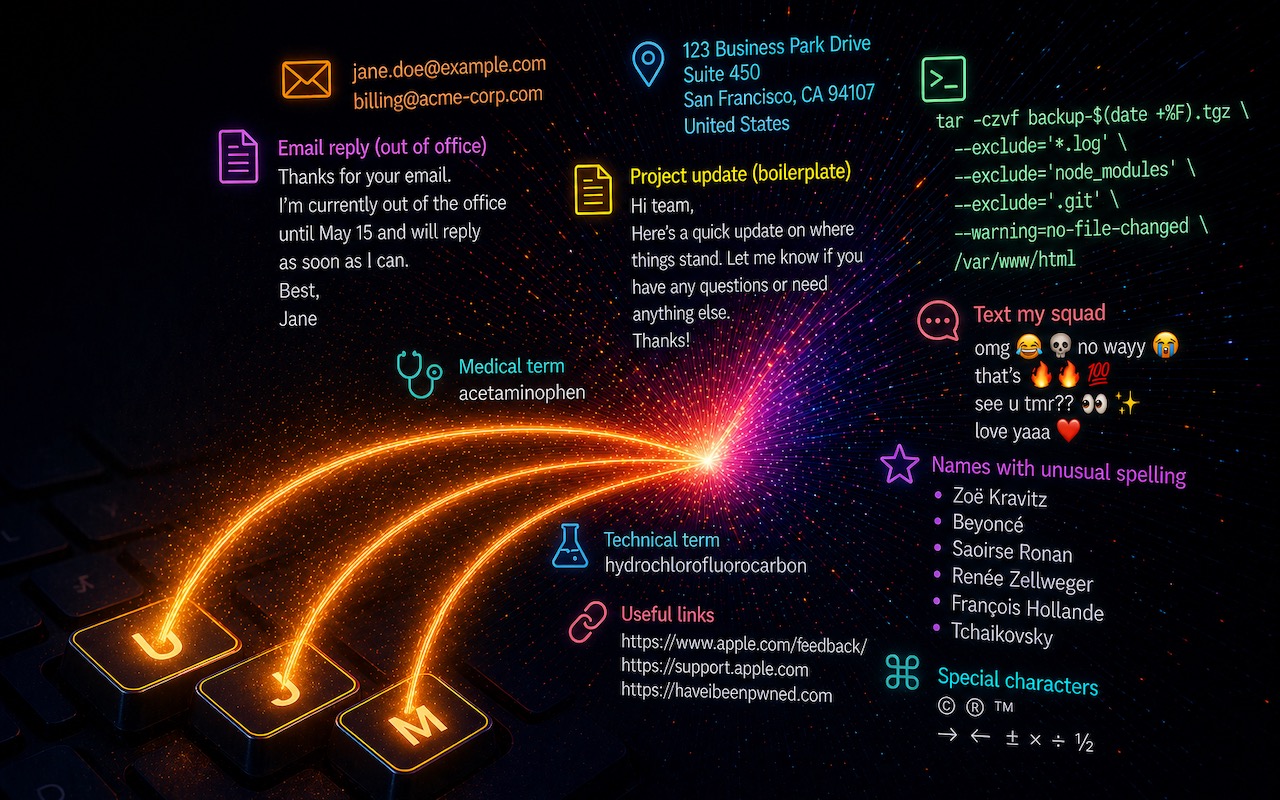
Silicon Valley thinks everyone wants to delegate writing to AI, which is why Apple Intelligence constantly suggests replies for you in Messages and Mail. But there’s an excellent way to supercharge your typing speed without sounding like a chirpy chatbot or resorting to teenage texting abbreviations: text expansion. Text expansion speeds up typing words or […]
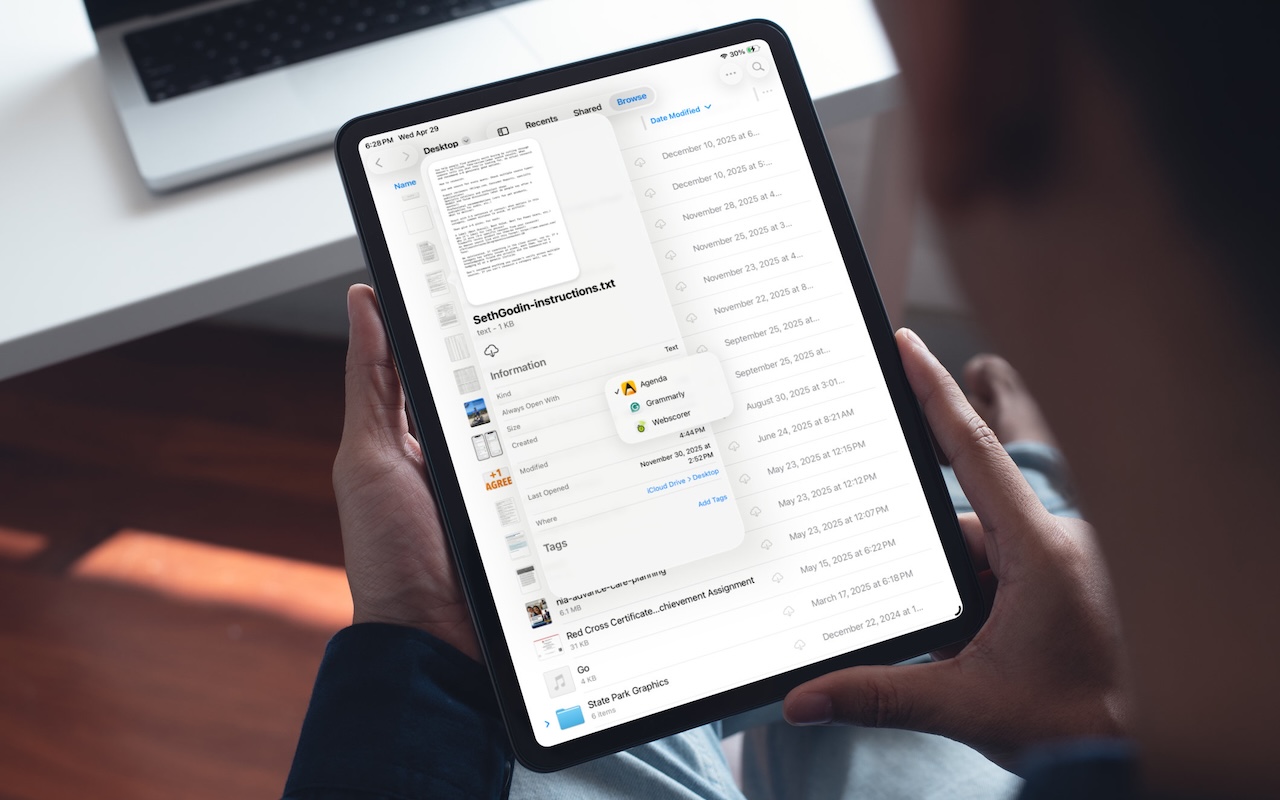
On the Mac, every file type opens in a particular app by default, but it’s easy to open a PDF, image, or text file in a different app. In the Finder’s Get Info window, you can also reset the default app so that, for example, JPEGs open in Photoshop or Affinity instead of Preview. That’s […]

Apple’s Focus can silence distractions when you need quiet time, but its complexity can cause you to miss important notifications. Learn how to configure it safely—and avoid the pitfalls that lead to missed calls and messages.

d of typing credit card numbers into websites and apps that don’t support Apple Pay? iOS 26 lets you save cards in Wallet and use AutoFill to enter your payment details anywhere—here’s how to set it up and use it.
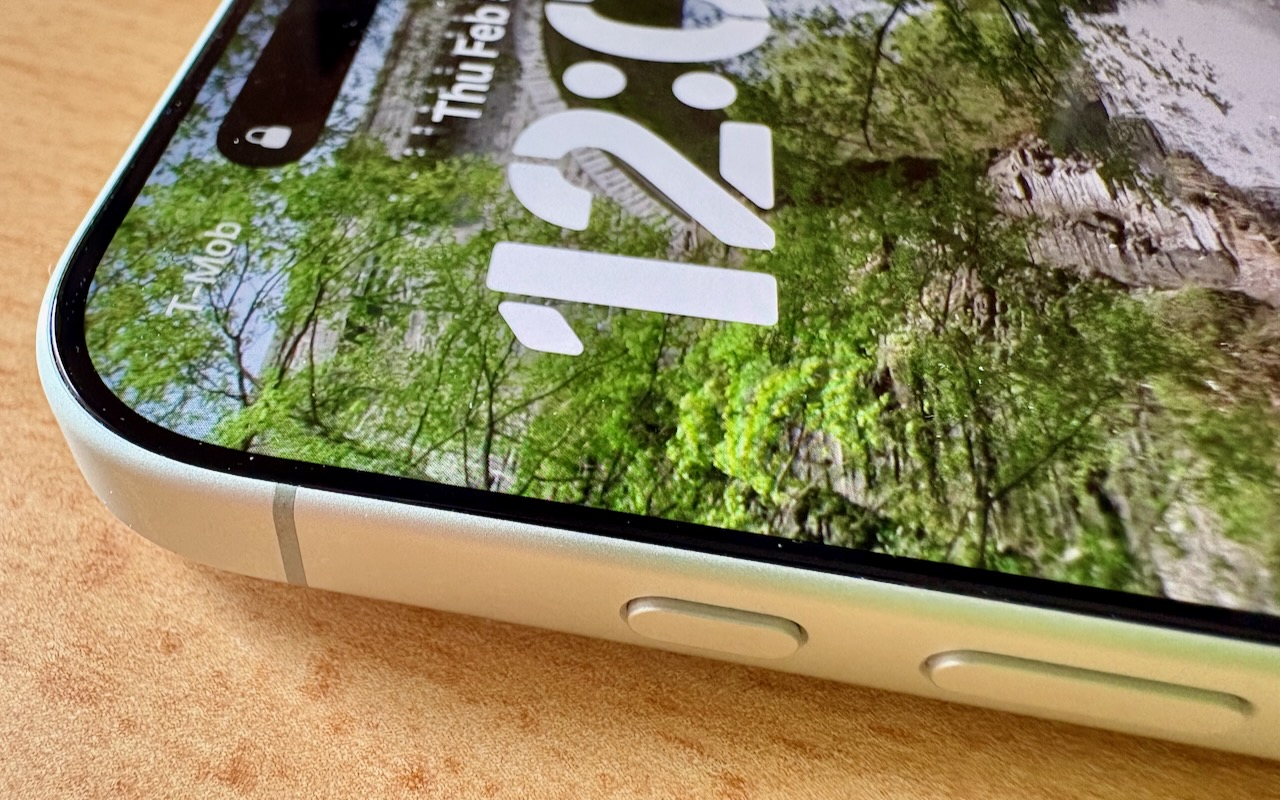
Your iPhone’s Action button can do much more than toggle Silent Mode. Try it for quick translations or voice memos—or explore the many options in Controls and Shortcuts to trigger nearly any action with a long press.

Frustrated when your Mac apps don’t remember their windows—or when they reopen old documents? Two settings control this behavior.

If you want healthy AI adoption, employees need more than permission. They need to understand what ‘good AI use’ looks like from your point of view. They need to know they can experiment safely.

Getting the most out of ChatGPT and Claude requires a different approach than using a traditional search engine. Learn ten essential tips for better prompting, from being conversational to leveraging context and even role-playing.

Want to demo something on a big screen? AirPlay can mirror your Mac’s display—or just specific windows—to an Apple TV-equipped TV or another Mac. It’s perfect for presentations, sharing content with a group, or increasing your screen space.

info@go2g2.com
215-321-6542
1116 Taylorsville Road
Washington Crossing, PA 18977
Get tips, news, information, and early notice of incredible sales.

© 2026 G2 Computers. All rights reserved.