
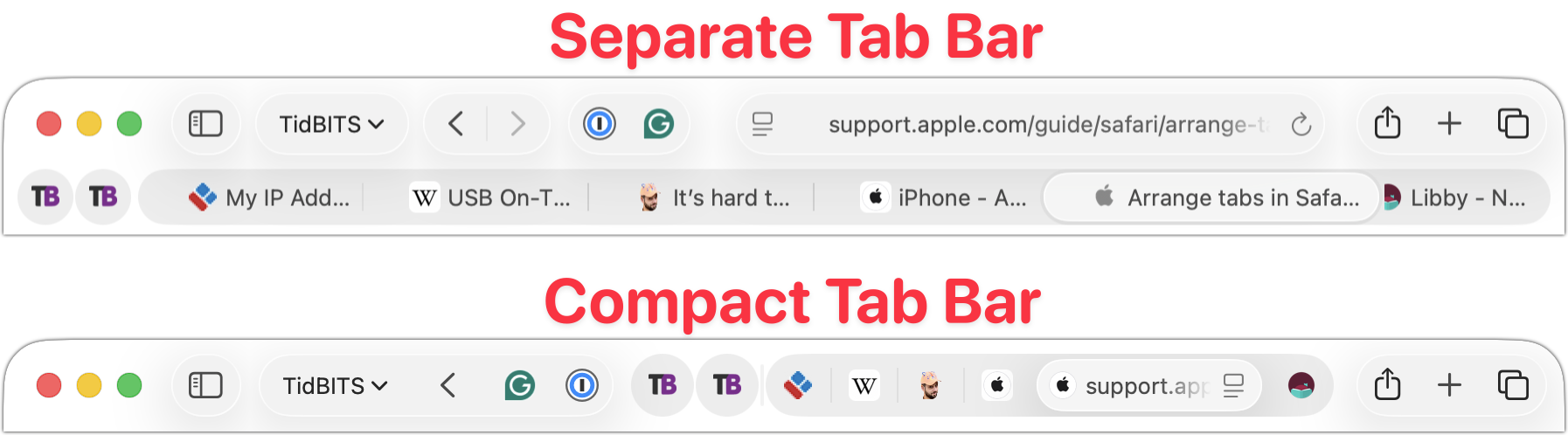
Safari’s compact tab bar returns in macOS 26.4 and iPadOS 26.4 after disappearing from the initial releases of macOS 26 Tahoe and iPadOS 26. This space-saving option, which puts the address bar in the current tab, vanished for unknown reasons, but it’s now back: on the Mac, select it in Safari > Settings > Tabs; on the iPad, look in Settings > Apps > Safari.
(Featured image based on an original by iStock.com/czekma13)