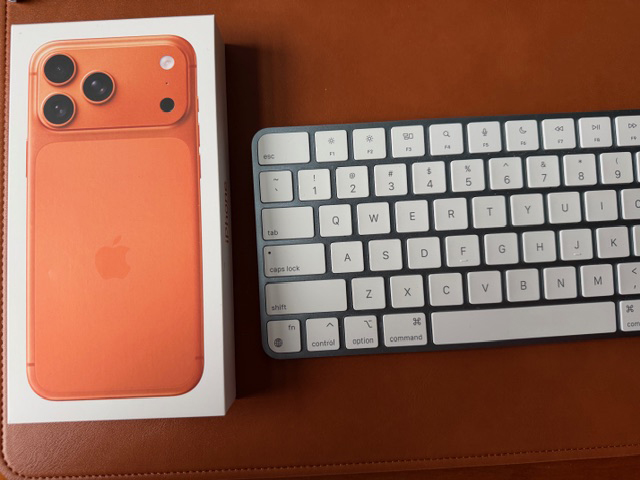
Thinking of upgrading to the new iPhone 17? We don’t blame you. Unboxing that sleek Apple packaging is half the fun. But before you dive straight in, a little preparation now will save you a lot of headaches later.
Here’s a friendly checklist to make the switch smooth:
Step 1: Update Your Old Devices
- Make sure your current iPhone and Apple Watch (if you have one) are updated to the latest software.
- Don’t leave this for the last minute. Updates always take longer than you think.
Step 2: Gather Your Logins
- You’ll need your passcodes and Apple ID. (If they are hidden on a mystery sticky note somewhere, now is the time to find it).
Step 3: Back It Up
- Back up your old iPhone to iCloud or your Mac.
- iCloud is usually the easiest. Apple even gives you free temporary storage to help with the move.
Step 4: Transfer Your Stuff
Pick the transfer method that works best for you:
- Quick Start: Place your old and new iPhones side by side. It is fast, easy, and keeps most logins intact.
- iCloud: Restore from your iCloud backup if your old phone is not handy.
- Mac (Finder/iTunes): Plug it in and restore from backup. Perfect for those who still prefer a cable.
Step 5: Don’t Forget the Extras
- Pair your Apple Watch, AirPods, and Bluetooth accessories.
- Check that your emails, calendars, and apps sync correctly.
- If you use two-factor authentication apps, make sure the codes are set up on the new phone before wiping the old one.
Step 6: Test, Test, Test
- Keep your old iPhone for about a week just in case.
Or Let Us Handle It for You
If all this sounds like a bit much, or you would rather sip a coffee while someone else takes care of it, we can help.
G2 Computers can guide you through the entire purchase and setup process, including:
- Choosing the right iPhone
- Transferring data and setting up the device
- Pairing accessories like AirPods and Apple Watch
- Making sure everything works smoothly from day one
Contact us today and let us make the upgrade easy.