
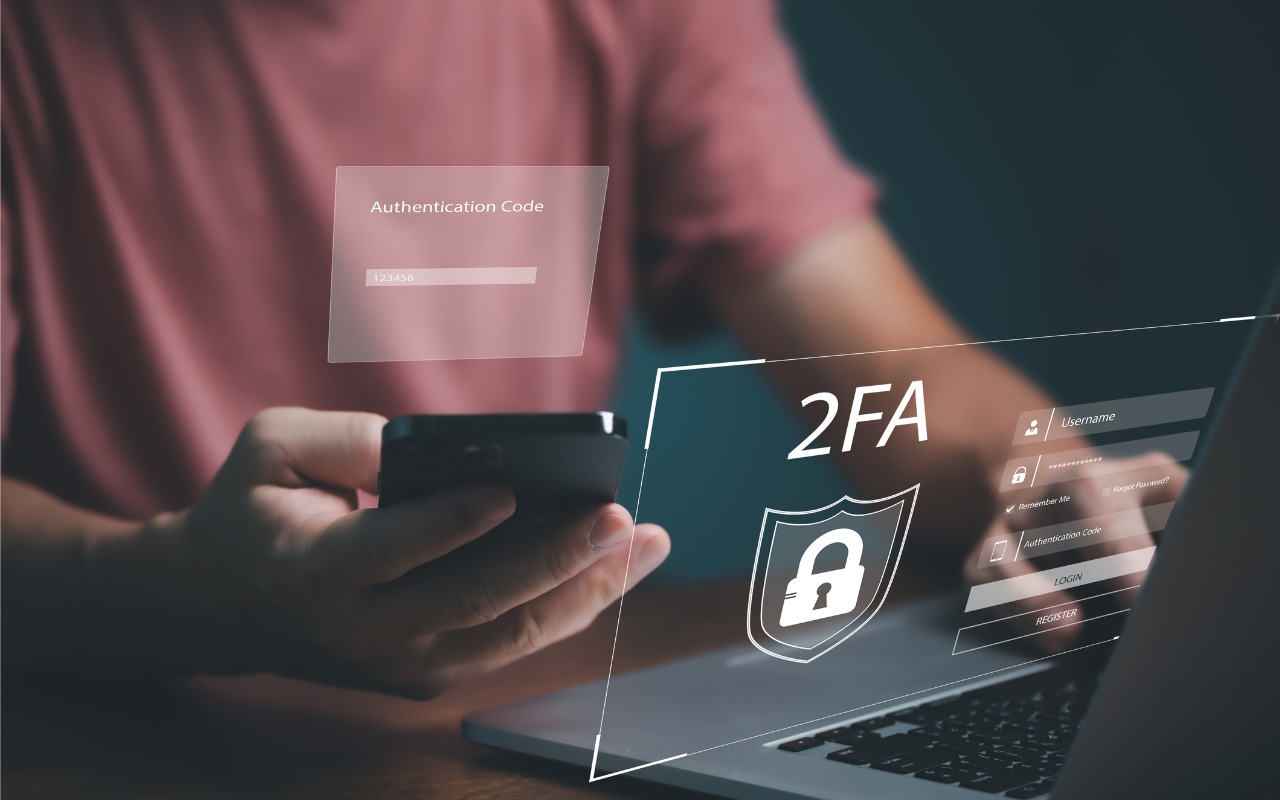
For better results when a team or family group needs to share 2FA codes to log in to a website, try to use an authentication app instead of SMS, or better yet, use a password manager that can both generate 2FA codes and share logins with a group.
For better results when a team or family group needs to share 2FA codes to log in to a website, try to use an authentication app instead of SMS, or better yet, use a password manager that can both generate 2FA codes and share logins with a group.

Apple’s iCloud Keychain password manager keeps improving, and we now recommend it, especially for those not already using a third-party password manager. Here’s how to use iCloud Keychain to store and enter secure passwords.

We all accumulate “trusted devices” in our Apple, Google, and password manager accounts, but it’s important to remove devices you no longer use because they could be security risks.

To ensure phishers don’t forge email from your domain to use in their attacks on your organization and others, you must implement SPF, DKIM, and DMARC. We explain the basics, and we’re happy to help with the setup.
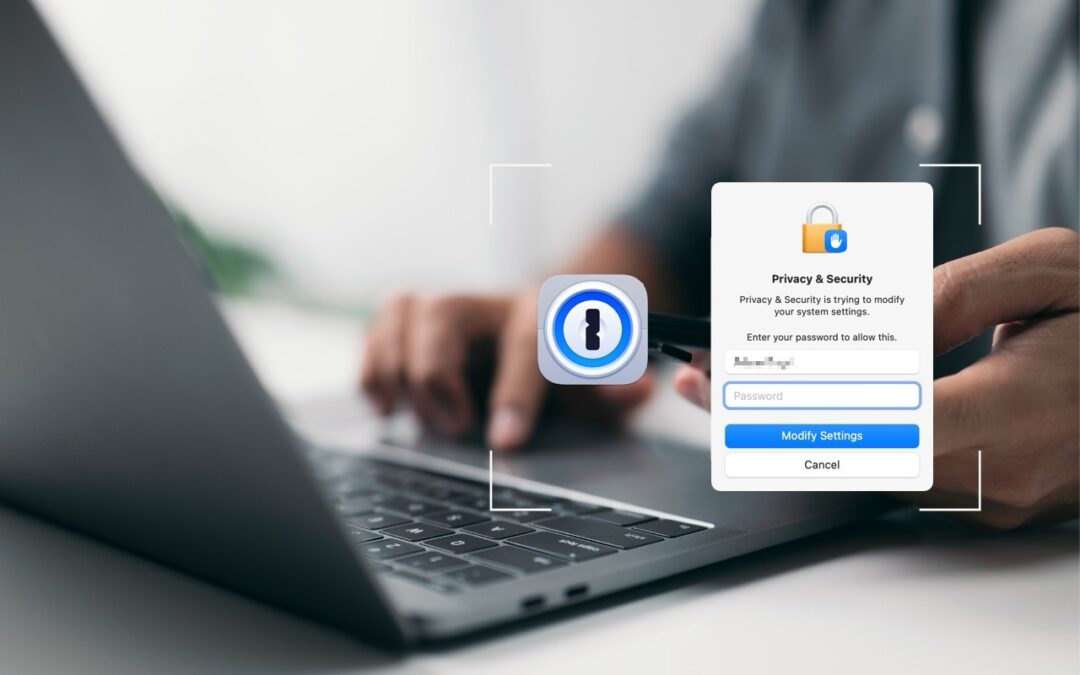
1Password is tremendously helpful for entering website passwords, but a little-known feature also enables it to enter your Mac login password for changing system settings, installing apps, and more.
Security experts no longer recommend password expiration policies that require users to change their passwords periodically. Here’s why.

We know it seems like your Apple devices are constantly asking you to install an update. Other than for major upgrades, we recommend updating shortly after updates appear so you can take advantage of bug fixes, security updates, and new features.

In iOS 17.3, Apple has introduced Stolen Device Protection to discourage iPhone thefts enabled by a revealed passcode. It requires additional biometric authentication, and we recommend that everyone who uses Face ID or Touch ID enable it.

If you notice strange behavior in your online accounts, you might have been hacked. It’s imperative that you act immediately to verify the breach, change passwords, lock accounts, and alert support personnel. We provide steps here.
January’s big security news was the Mother of All Breaches, the release of a massive database containing 26 billion records built from previous breaches across numerous websites, including Adobe, Dropbox,…

info@go2g2.com
215-321-6542
1116 Taylorsville Road
Washington Crossing, PA 18977
Get tips, news, information, and early notice of incredible sales.

© 2026 G2 Computers. All rights reserved.