

Want to see all your upcoming events in a list in Apple’s Calendar app on the Mac? It doesn’t have a built-in list view, but there’s a workaround.
Want to see all your upcoming events in a list in Apple’s Calendar app on the Mac? It doesn’t have a built-in list view, but there’s a workaround.

When you’re reading on your Mac, there’s no excuse for not knowing what a word means, even when it’s in another language. Apple provides several shortcuts for looking up any word in macOS’s reference books.

If your Mac’s menu bar is a mess, you can use the Command key to rearrange the icons and remove those you never use. | Go2G2.com

Next time you inadvertently open a large number of windows, you can use these Option-key tricks to close them all quickly.
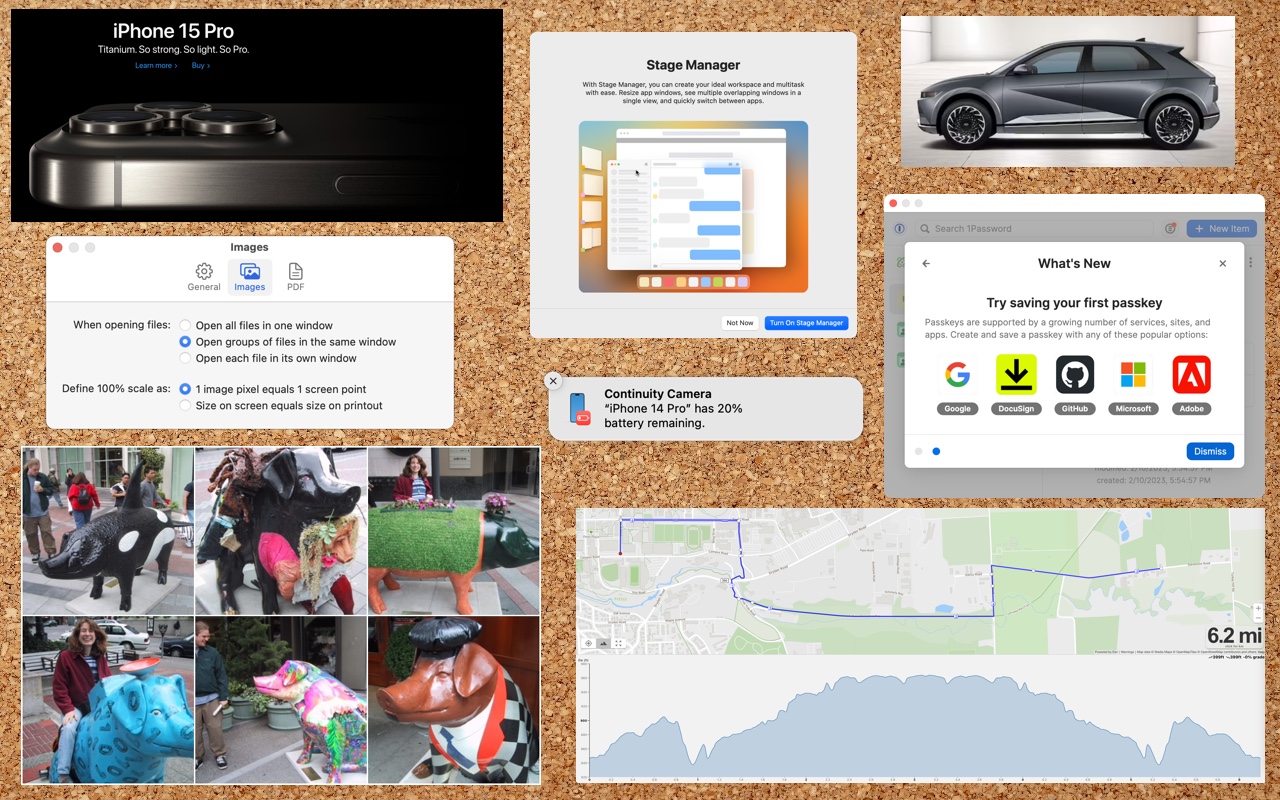
Screenshots and screen recordings are helpful for capturing things that happen on your Mac screen for later reference. The macOS screenshot control bar makes it easy to take screenshots and movies, and our handy guide helps you work with it.
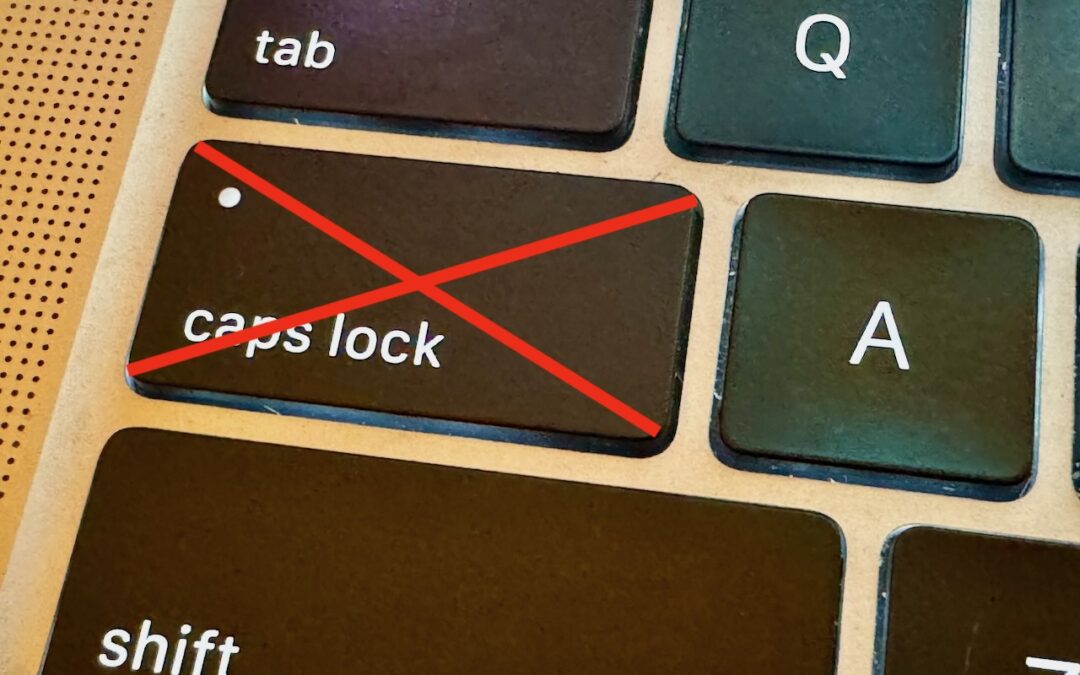
If you very seldom want to type in all caps, disable or remap the Caps Lock key so an errant key press doesn’t turn it on accidentally.

Copying a file from one Mac to another is conceptually straightforward, but not all approaches work equally well in all situations. Learn which ways of moving files are most appropriate for your needs.
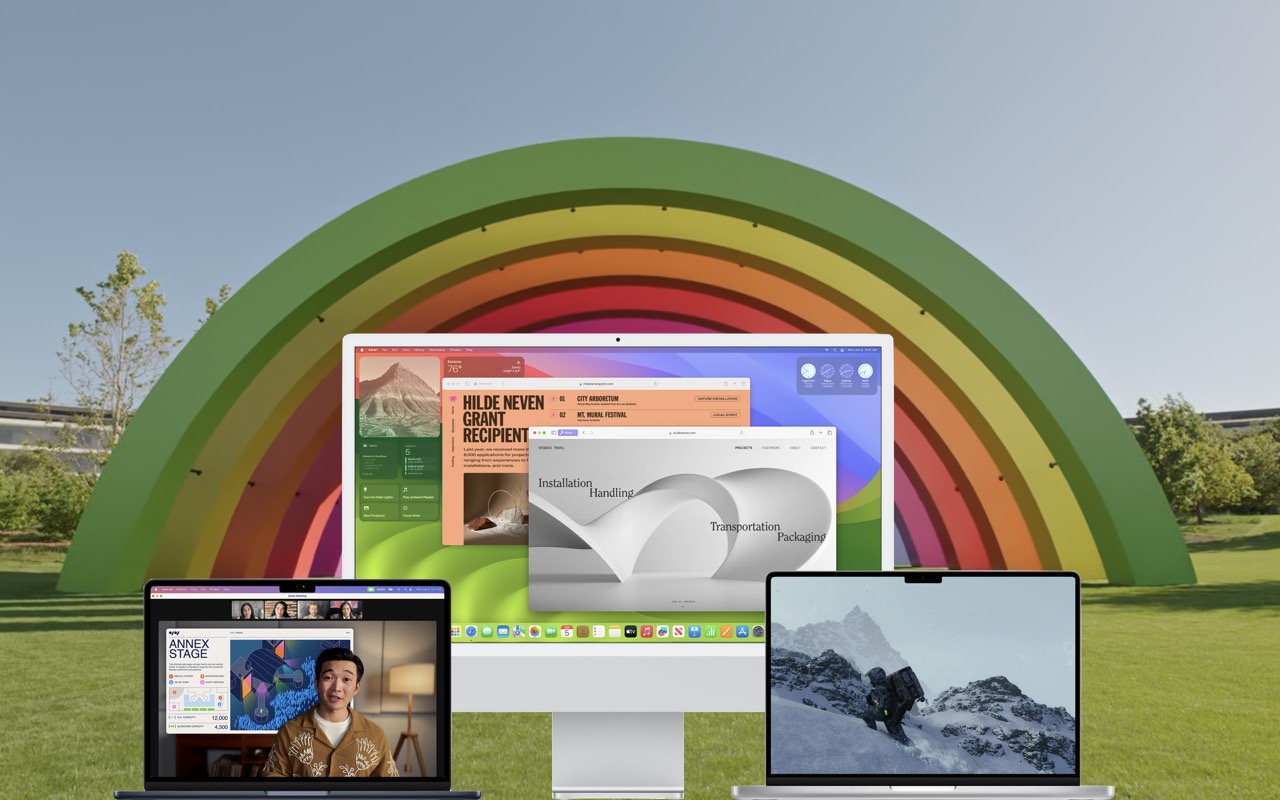
When should you upgrade to macOS 14 Sonoma? There’s no need to install it today, but we think it’s now safe for those who want to take advantage of the new features and integration with Apple’s other operating systems. \
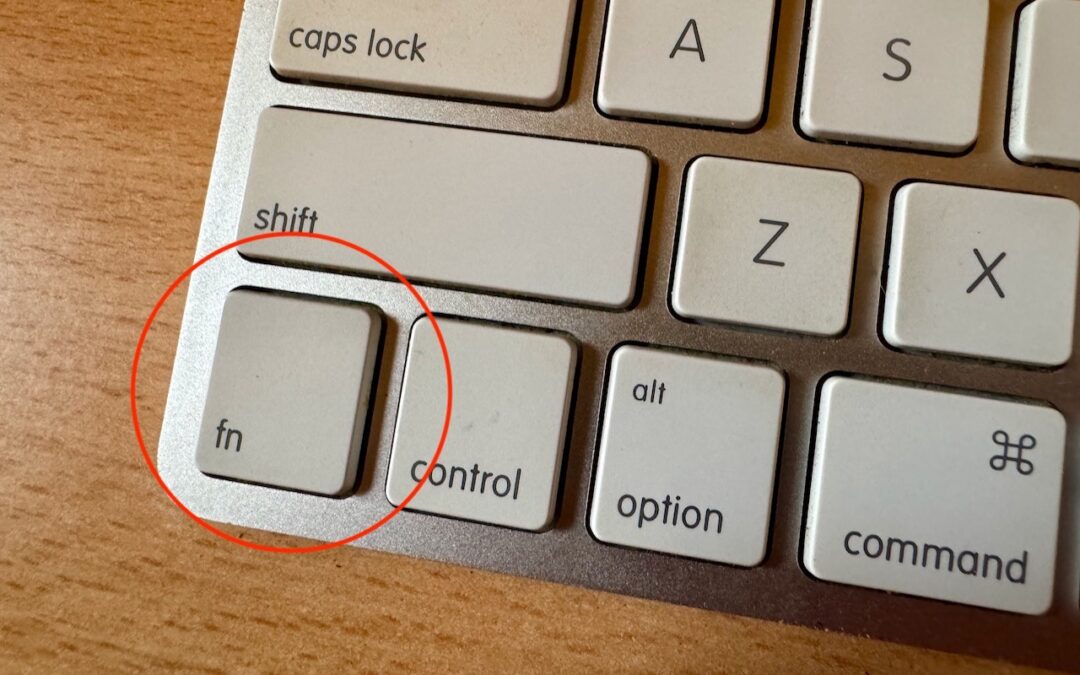
Control Center brings together controls for a collection of core macOS features, but its menu bar icon is small, making it hard for some to click. Luckily, there’s a hidden shortcut to bring it up quickly from the keyboard.
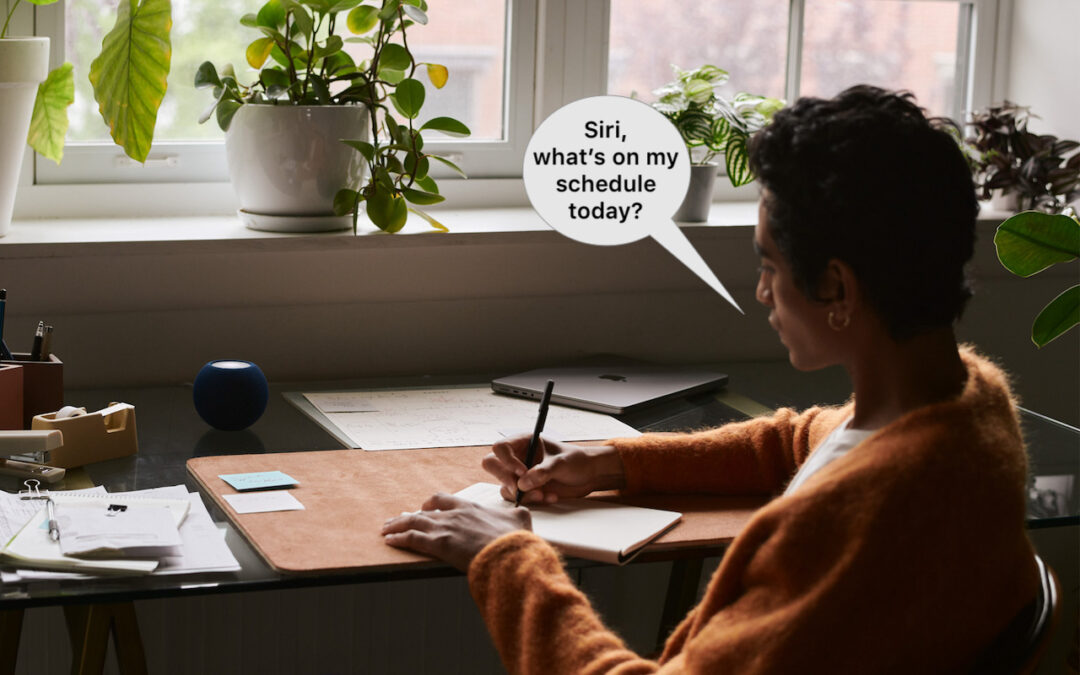
In Apple’s new operating systems for 2023, you can choose to invoke Siri with just “Siri” or the old “Hey Siri”—or turn the feature off entirely. We explain where to find the feature for each of your Apple devices.

info@go2g2.com
215-321-6542
1116 Taylorsville Road
Washington Crossing, PA 18977
Get tips, news, information, and early notice of incredible sales.

© 2026 G2 Computers. All rights reserved.