

Some of the trickiest editing and proofreading problems are related to characters you can’t typically see on the screen: spaces, tabs, and returns. Just because they’re invisible doesn’t mean they…
Some of the trickiest editing and proofreading problems are related to characters you can’t typically see on the screen: spaces, tabs, and returns. Just because they’re invisible doesn’t mean they…

In macOS 11 Big Sur, Apple went back to a design direction from the earliest days of Mac OS X: a translucent menu bar. Since its color changes depending on…

For the most part, Spotlight works well. Press Command-Space or use the Search field in a Finder window, and it finds everything that matches your search term. Sometimes, however, Spotlight…
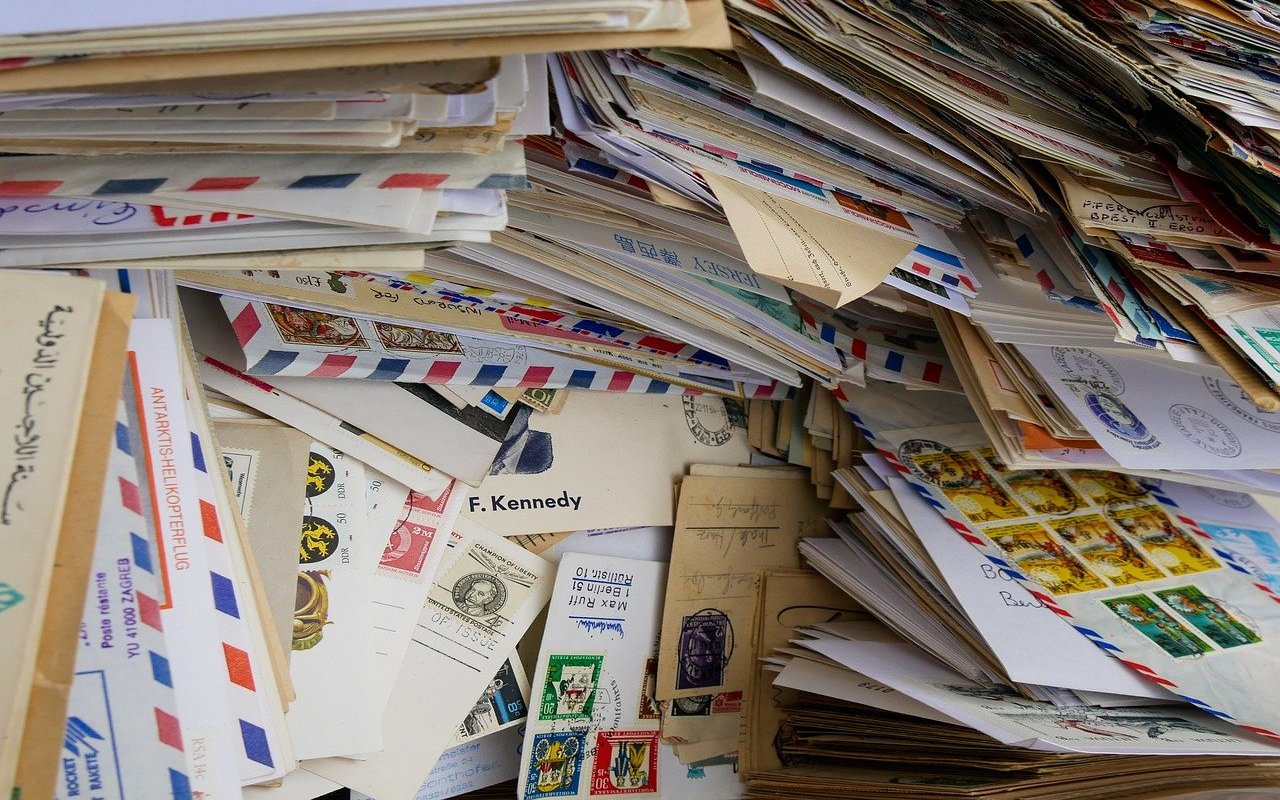
Email is a major part of all our lives, both personally and professionally, and as such, it can add up. Before you know it, you have years of email stored…

If you’ve turned on automatic App Updates in Settings > App Store on your iPhone or iPad, you might wonder how you’d know if an app was updated or what…

Box, Dropbox, Google Drive, and Microsoft OneDrive all have their place, but as of March 2020, Apple users no longer have to venture outside the Apple ecosystem for online folder…

This is a twofer tip. You may not have known that every document window in macOS has long had a proxy icon in the title bar, next to the filename….
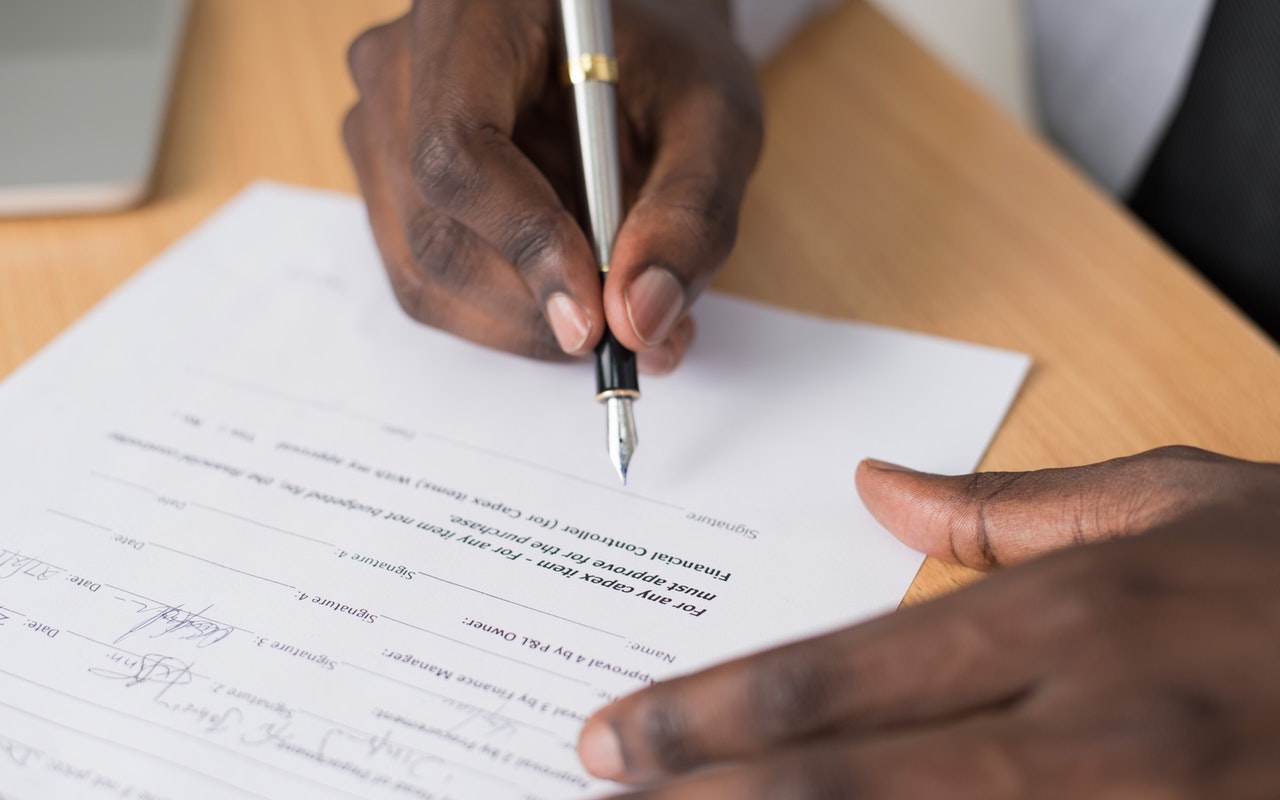
We regularly hear from people who think they need Adobe Acrobat DC to manipulate PDFs. Don’t misunderstand: Adobe Acrobat is the gold standard, but it’s complicated and expensive—$14.99 per month…

Remember when we had to keep magnets away from floppy disks to avoid scrambling them? Modern storage is no longer vulnerable, but magnets and electromagnetic fields from consumer electronics can…

We wanted to make sure that those of you who work on a Mac laptop with an external display know that you can close your laptop’s screen and keep working….

info@go2g2.com
215-321-6542
1116 Taylorsville Road
Washington Crossing, PA 18977
Get tips, news, information, and early notice of incredible sales.

© 2026 G2 Computers. All rights reserved.