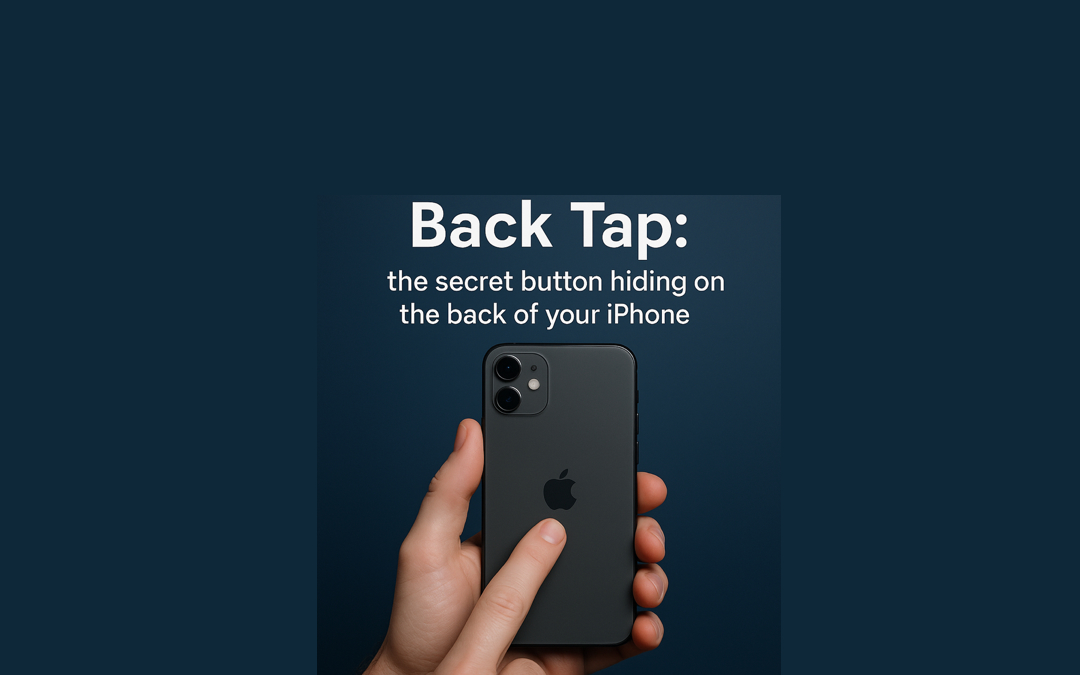
If you ever wished your iPhone had one more button, surprise. It has one and Apple hid it on the back like a secret club entrance.
Go to Settings → Accessibility → Touch → Back Tap.
Choose what happens when you double tap or triple tap the back of the phone. I set a double tap to open Notes so I can jot down ideas before they escape, and a triple tap to turn on Do Not Disturb because peace should never be more than three taps away.
Noe of this is new, but once you start using Back Tap, your phone feels smarter and a little magical.
Does Back Tap work with iPhone cases?
Yes, in most cases it works just fine.
Back Tap usually works through slim and standard cases, though it may need a slightly firmer tap. Very thick, rugged, or bulky cases may reduce sensitivity or block the feature completely.
So if Back Tap feels moody, the case is usually the culprit, not you.
Do you have a favorite iPhone trick that makes you feel like a tech genius? Tell us.
If you want help setting any of this up, schedule a one-on-one with G2 anytime. And when your device needs service, you can also book appointments through Apple. It usually lists G2 Computers near the top if you are in the area.