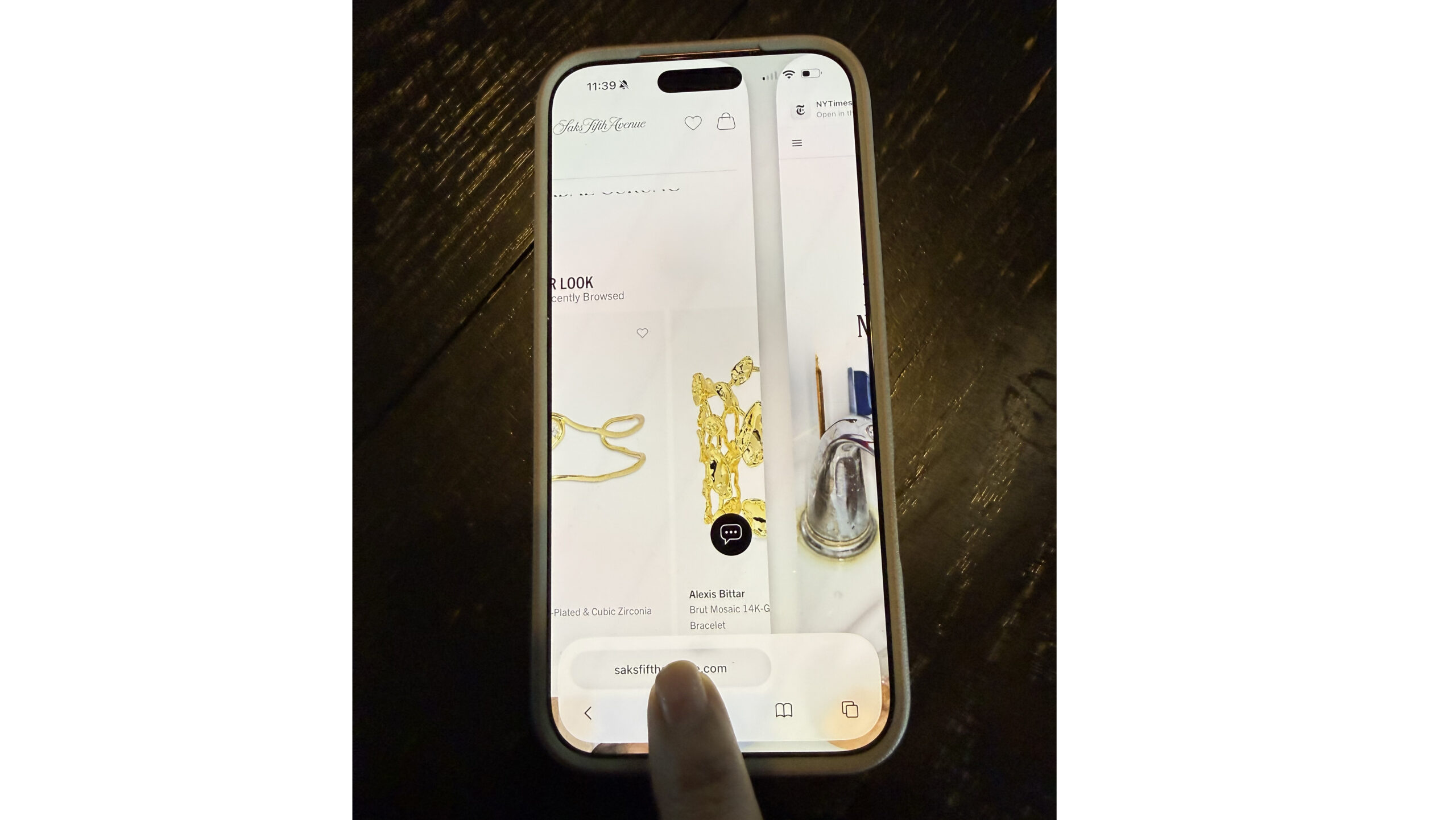
Here is a small gesture that makes a big difference. When you are in Safari, try swiping left or right on the bottom bar to switch tabs instantly. No reaching up to the tab view, no squinting at tiny previews, no juggling five windows when you were only trying to look up one recipe.
Just a simple thumb swipe and you glide through your tabs like a pro. It feels like the iPhone equivalent of turning pages in a book, but without the paper cuts.
This trick is great when you are comparing products, toggling between an email and an online form, or switching back and forth between your hotel options while pretending you did not already pick the one with the nicest lobby.
It’s not a new feature – just one that’s often overlooked. But once you start using it regularly, it quickly becomes something you can’t imagine doing without.
Do you have a favorite Safari or browsing shortcut? Tell us. We love collecting these tiny wins.
And if your iPhone ever needs service, remember you can schedule through Apple’s site.
G2 Computers usually shows up near the top, which makes life simpler. Or call or email and we will set it up for you.