Your fingers will thank you for this one.
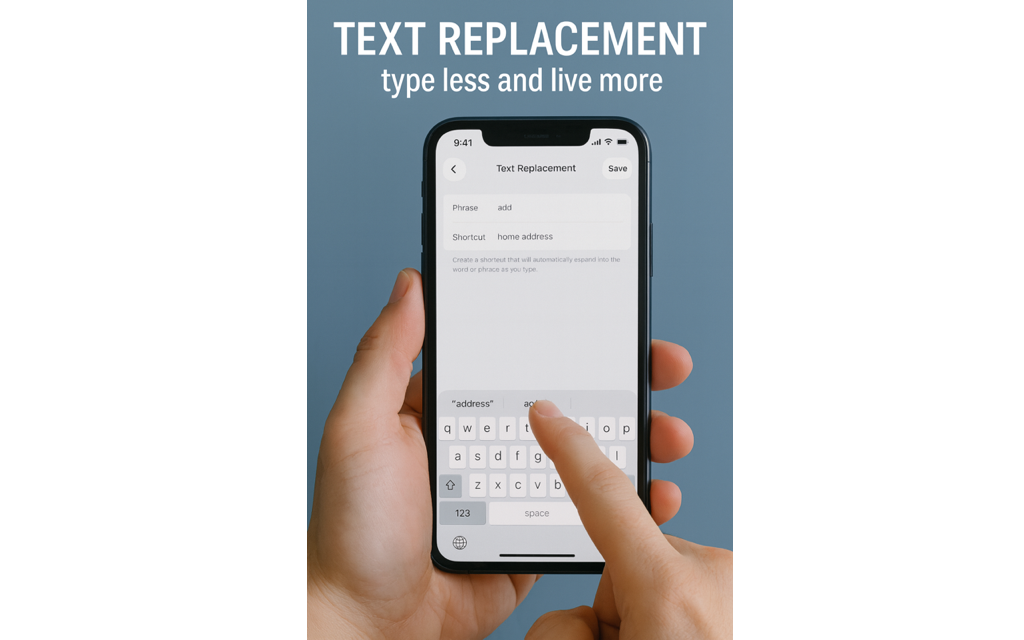
Go to Settings → General → Keyboard → Text Replacement.
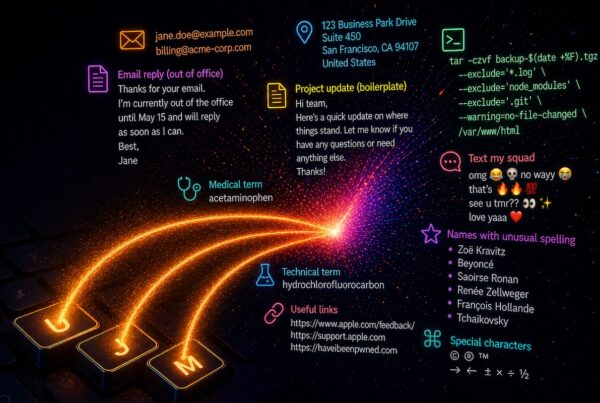
Create your own shortcuts such as:
- @@ for your full email address
- ppn for your PayPal email
- addr for your home address
Once you start using these, you will wonder why you were out here typing like it was 2009.
A small but important warning.
Do not make your shortcut an actual word you use in everyday sentences. If your shortcut for “home address” is add, then one day you will text someone “Can you add a few extra for me” and your phone will proudly deliver “Can you home address a few extra for me.” Save yourself the confusion and choose shortcuts you would never type by accident.
Text Replacement may not be a brand-new feature, but once you start using it, your iPhone really does feel smoother and a little more magical.
Got a clever shortcut of your own? Share it. We collect these like recipes.
If you want help creating a few that make your day smoother, give us a call or email anytime. And remember, Apple’s scheduling site makes it easy to book service and will usually show G2 Computers near the top.